Flip Clock Online
Beautiful full screen flip clock for desktop, mobile, focus time, meetings, classrooms and everyday use.
Focus Timer
Pomodoro presets, custom mm:ss countdowns and a labelled focus session with an alarm chime.
World Time
Live timezone support so calls and meetings across the globe always start on time.
Alarm Clock
Set a one-time alarm with a ringing chime, or use the countdown as a friendly wake-up timer.
Timeless Design
Glossy 3D flaps with hand-tuned animation, glow and light/dark themes.
Shortcuts & tips
- FullscreenF
- Tick soundS
- Light / dark themeT
- Focus dim modeD
- Copy current timeC
- Start / pause timer or arm alarmSpace
- Close this panelEsc
Your preferences — theme, timezone, sound, size, glow and alarm — are saved automatically and restored next time you visit. Tip: enter custom countdowns as minutes (25) or mm:ss (1:30), and give sessions a label that shows on screen.
Built For Clear Time
A fast, polished digital flip clock online experience for daily use.
Full Screen Mode
Fill the room with a clean full screen clock.
Large Display
High contrast time that stays readable at distance.
Responsive Layout
Sharp presentation on desktop, tablet and mobile.
Dark Theme
Comfortable viewing for late work and focus time.
Simple Interface
Minimal controls keep attention on the time.
Real Time Updates
Accurate live time refreshes every second.
Keyboard Support
Quick actions for faster clock control.
Fast Loading
Lightweight code keeps the clock ready quickly.
Browser Ready
No install needed for a full screen clock.
Device Friendly
Use it anywhere your browser works.
Smooth Animations
Subtle motion gives each second a premium feel.
Modern Clock View
A refined digital flip clock for any screen.
Four Simple Steps
Open the tool and bring a full screen clock to any display.
Open
Launch Flip Clock Online in your browser.
Select
Choose the display style that fits your screen.
Display
Switch to full screen for a cleaner setup.
Enjoy
Keep time visible without clutter.
Display Your Way
Flexible views for classrooms, calls, desks and public screens.
Digital Flip Clock
Classic movement with crisp digital styling.
Large Screen View
Focus Mode
Minimal Layout
Presentation Mode
Full Window View
Fits Real Routines
A full screen clock that works wherever time needs to stay visible.
Time Made Simple
Use a clean online clock display that looks sharp on every screen.
Trusted Daily
Simple feedback from people who keep time visible.
Clear on the projector and easy for the whole class to follow.
Maya Ross
TeacherThe full screen clock keeps my study blocks structured without distraction.
Eli Park
StudentLooks polished on my second monitor during focused coding sessions.
Noah Kim
DeveloperMinimal, sharp and presentable enough for client workshops.
Lena Hart
DesignerI use it between calls to keep the day moving cleanly.
Arun Mehta
FreelancerOur meeting room screen finally has a clock that feels professional.
Sofia Lane
Office ManagerBetter Clock Viewing
Flip Clock Online keeps time readable, calm and easy to access across your daily spaces.
Made For Big Displays
Turn any browser into a clean full screen clock for meetings, classrooms, studios and workspaces.
- High contrast digital flip clock
- Smooth second-by-second motion
- Works on desktop and mobile
- Clean online clock display
Clock Ideas
Useful notes for better full screen clock setups.
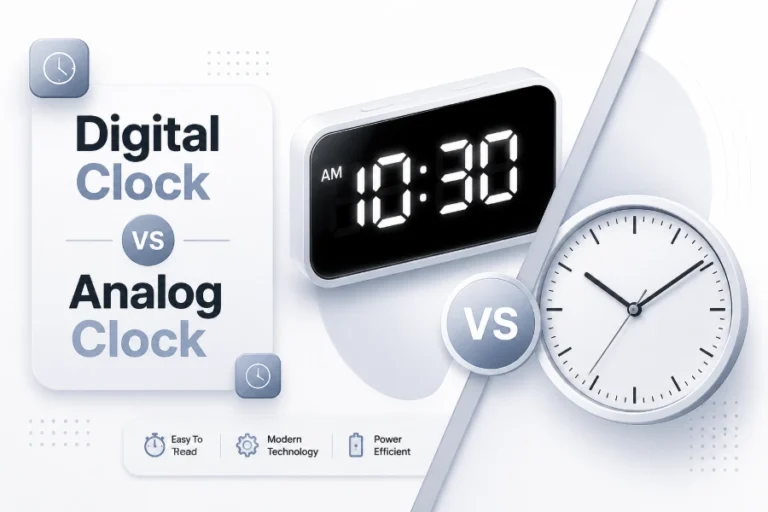
Digital Clock vs Analog Clock: Differences, Benefits, and Uses
Clocks have been an essential part of daily life for centuries, helping people manage schedules, track important events,...
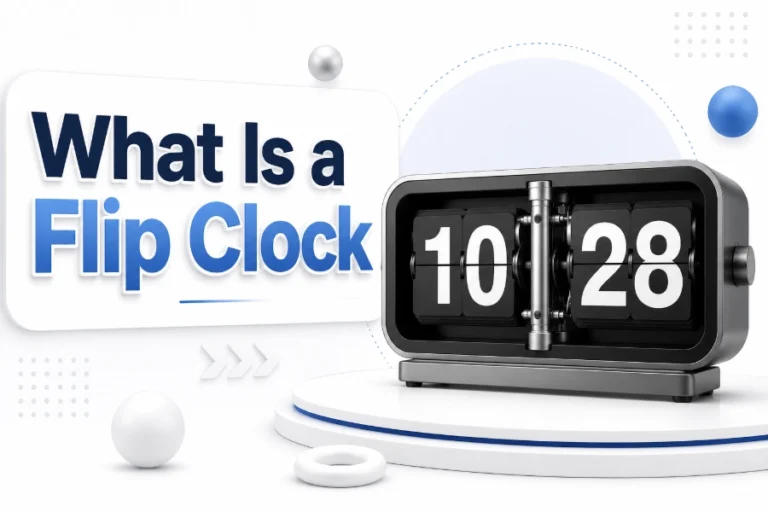
What Is a Flip Clock: History, Features, and How It Works
A flip clock is a unique type of timepiece that displays the current time using rotating number panels...
Why Is Time Management Important for Students: Benefits and Tips
Students often have to manage many responsibilities at the same time, including classes, assignments, exams, projects, hobbies, and...
Quick Answers
Common questions about Flip Clock Online.
What Is Flip Clock Online?
It is a browser-based digital flip clock for clear time display.
Is It Free To Use?
Yes, you can open and use the online clock display directly.
Can I Use Full Screen Mode?
Yes, it is designed for a clean full screen clock experience.
Does It Work On Mobile Devices?
Yes, the layout adapts for phones, tablets and desktop screens.
Can I Use It During Meetings?
Yes, it works well on meeting room displays and shared screens.
Does The Clock Update In Real Time?
Yes, the time updates live for accurate everyday use.
Can I Use It For Study Sessions?
Yes, it helps keep study blocks visible and focused.
Is Installation Required?
No installation is required. It runs in your browser.
Keep Time In Style
Simple, beautiful and ready whenever you need it.